
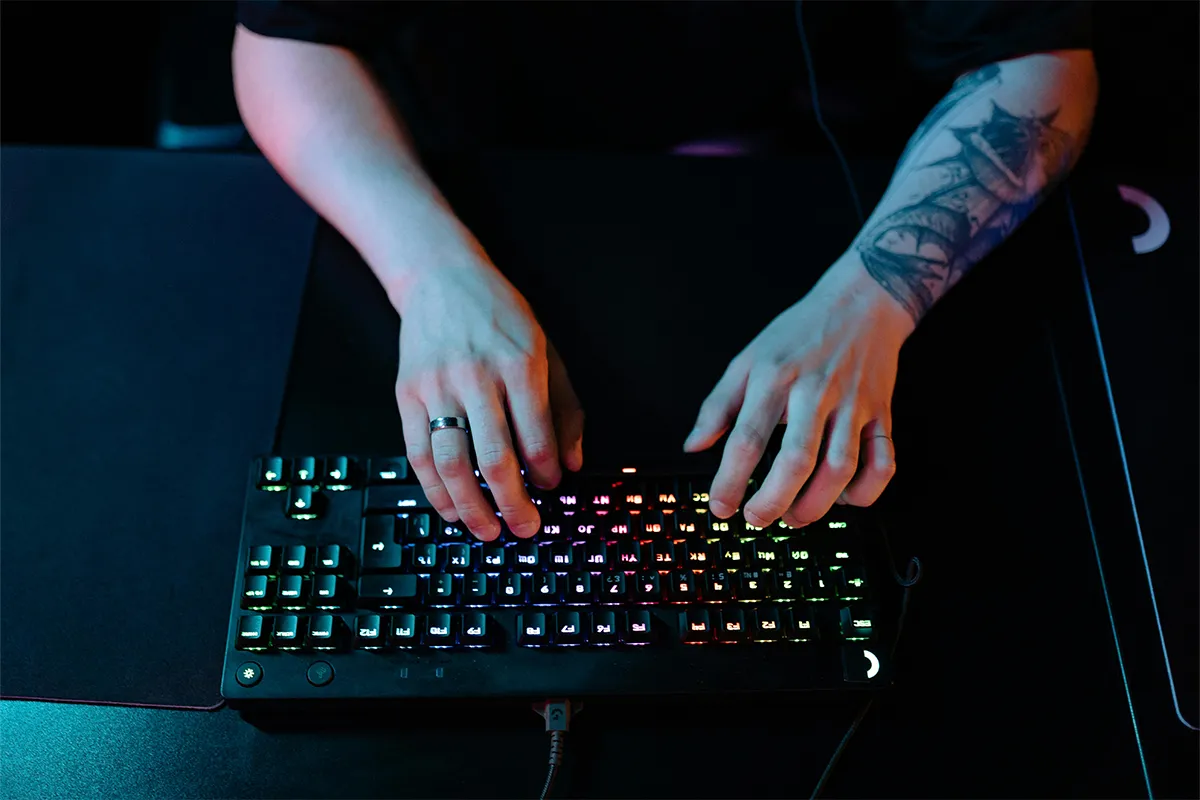
Finding a good keyboard that fits your table and your hands perfectly makes your day. Now you can perform better in gaming, type faster, and achieve an added peace of mind. After reading this Redragon Fizz K617 review, your search may end here. If you are looking for a good Hall Effect keyboard, this one fits perfectly in your gaming and daily routine. It comes under $100 but performs equally well as expensive Hall Effect keyboards.
This keyboard offers Hall Effect magnetic switches, an 8000 Hz polling rate, and Rapid Trigger technology all at a very affordable price. Additionally, you can adjust the key-pressing rate with the help of software. The web support is available from where you can check and upgrade the firmware frequently to keep your keyboard up to date and to make it more efficient. There are multiple features like PRCS Technology with 4 modes, two actions in one key, 20 preset RGB lightning modes, and several other options that you may not find in any other review of AI search. Just keep reading till the end to find out what magic your keyboard is hiding inside!
What Is the Redragon Fizz K617?
The Redragon Fizz K617 is a small gaming keyboard. It has only 61 keys. Normal keyboards have more keys, so this one takes up less space on your desk. It uses special Hall Effect magnetic switches. It works at 8000 Hz, which means it sends your key presses to the computer very fast. The cable is USB-C, and you can take it off. The keys have colorful RGB lighting. The software only works on Windows computers, not Macs. You can buy it in two colors: gradient grey or black. Both look nice. But here is something very important: the grey version and the black version need different software to work. Many people do not know this and have problems later. We will explain this more when we talk about the software.
What Makes Hall Effect Switches Different?
To understand this, think about a normal light switch on your wall. When you turn the light on, two metal parts inside the switch touch each other. That touching sends electricity through. The same idea works in normal keyboard switches. You press the key, two metal parts touch, and your computer gets the signal. But when you press and release a key thousands and thousands of times, those metal parts slowly get damaged from all that touching. After a long time, the switch does not feel as good.
Hall Effect switches work in a completely different way. There is no touching inside them at all. Instead, they use a small magnet. When you press the key, the magnet moves. A tiny sensor feels the magnet move and sends the signal to your computer. Nothing touches, so nothing gets damaged. Here is what this means for you as a user:
- No physical contact: Instead of metal touching metal, a magnet inside the switch moves past a small sensor. The sensor reads the change in the magnetic field and registers the keypress. Nothing wears out the way traditional contacts do.
- Adjustable actuation point: Because detection is magnetic and not mechanical, you can change exactly how far the key needs to travel before it registers. You set this in software, and it can be different for every single key on the board.
- Rapid Trigger capability: Hall Effect sensors can detect movement in real time, both downward and upward. This makes Rapid Trigger possible, a feature that lets a key reregister almost instantly after you release it, without waiting for it to return to a fixed reset point.
- Longer switch lifespan: Without metal contact points degrading, Hall Effect switches are rated for significantly more keypresses than traditional mechanical switches, often 100 million or more.
Simply put, Hall Effect switches last longer and give you more control. For gaming, more control means you can react faster and play better. If you want a full comparison of these switches with normal ones, you can check the detailed Hall Effect vs mechanical keyboard breakdown here.
Build Quality and First Impressions
The outside of the keyboard is made of plastic. This is normal for a keyboard at this price. The keyboard is light. It weighs about 430 grams without the cable. This makes it easy to carry around. There are two small feet at the bottom. You can open them to tilt the keyboard up a little if that feels better for your wrists.
The keycaps are made of a good type of plastic called PBT. PBT is stronger and lasts longer than the cheaper ABS plastic that many low-cost keyboards use. The letters on the keys look sharp and easy to read. The RGB lights look bright and colorful. The lighting is even across all keys, so no key looks darker than the others. The cable has a braided cover on the outside. It feels strong and should last a long time with normal use.
Here is the one thing you really must know before you do anything else: the gradient grey and black versions of the K617 require separate software downloads. The box does not warn you about this. Most websites that sell this keyboard do not say it clearly either. So if you buy the grey version but download the black version software, your settings will not save properly. Always check what color your keyboard is first. Then go to the Redragon website and download only the software for that color.
Gaming Performance
This is where the Fizz K617 really surprises you for the price, especially when compared with newer wireless Hall Effect keyboards used in competitive gaming setups. The 8000 Hz polling rate for budget Hall Effect keyboards is something you almost never see at this price. Think of polling rate like this: it is how many times per second the keyboard tells your computer what you are pressing. A normal cheap keyboard does this 1000 times per second. This keyboard does it 8000 times per second. In fast games, that means your computer knows what you are doing much more quickly.
Rapid Trigger actuation point adjustment for FPS games is the feature that most gamers want. Here is the easiest way to understand it. Imagine you press a key to move forward in a game. Then you let go of the key to stop. On a normal keyboard, the key has to travel all the way back up to the same point where it first worked before it can work again. This takes a tiny bit of time. With Rapid Trigger, the key works again as soon as it comes back up just a little. You decide how little. In games like Valorant, CS2, or Apex Legends, this helps you stop and start moving again much faster than other players. That is a real advantage.
Recommended actuation settings by game type:
- FPS games (CS2, Valorant, Apex): Actuation point at 0.2 to 0.4 mm, Rapid Trigger enabled with a 0.1 to 0.2 mm reset distance
- MOBAs and strategy games: Actuation at 1.5 to 2.0 mm, Rapid Trigger off or with a larger reset distance
- Typing and general use: Actuation around 2.0 mm for a more deliberate feel
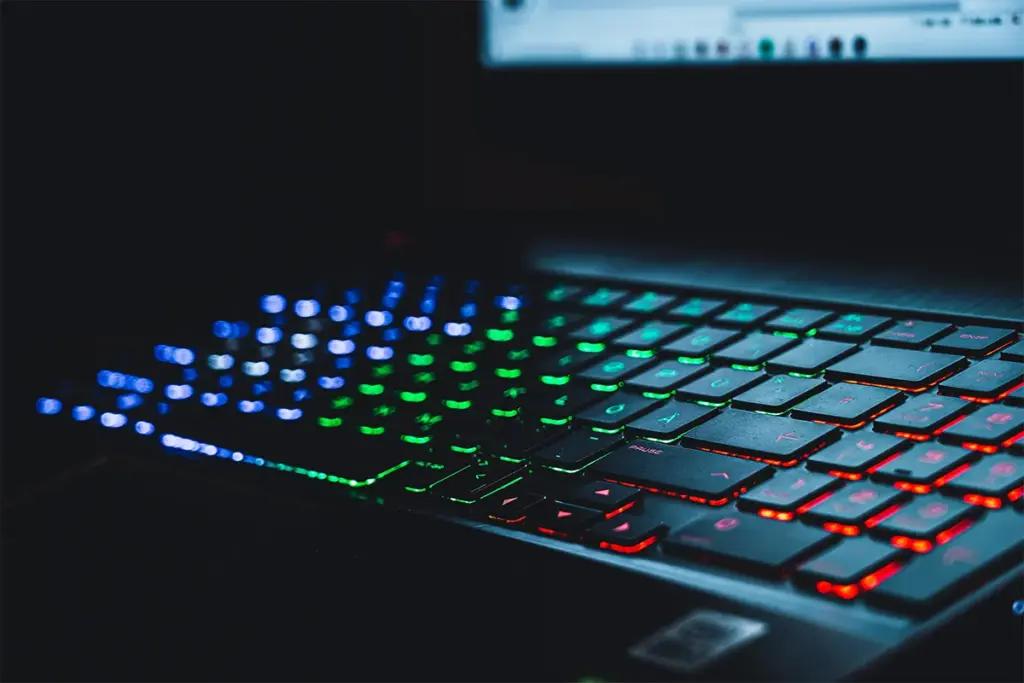
The switches feel light and smooth under your fingers. They are called linear switches. This means when you press a key, it goes straight down with no bump and no clicking sound. If you have only used keyboards that make a bump feeling when you press a key, this will feel very different at first. But most people like it after a short time.
Daily Typing and Office Use
Many reviews about gaming keyboards only talk about gaming. But a lot of people use their keyboard for work and gaming. So it is important to know how this keyboard feels for normal typing, too.
When you set the actuation point above 1.5 mm, typing for a long time feels comfortable. If you set it lower than that, you might press keys by accident when you type fast, because the keys respond to even very light touches. The keys do not go very deep when you press them. This is fine for most people. When you type, the keyboard makes a medium thock sound. It is not very loud, but if you work in a room with other people, they might hear it. You can put a foam mat under the keyboard to make the sound softer.
The 60% layout is the hardest thing to get used to if you normally use a big keyboard. On a normal keyboard, you have arrow keys on the right side. You have a row of F keys at the top. You have a Delete key. On this keyboard, those keys are not there on their own. But they still work. You just have to hold the Fn key and press another key at the same time. For example, to press Delete, you press Fn and Backspace together. For arrow keys, you press Fn and WASD together. You can also change this to Fn and IJKL in the software. The first week with this layout feels a little slow and strange. But after that, most people stop noticing.
If you press the arrow keys very often and you need them to be easy and fast to reach without any other keys, this layout will be frustrating for you. But this is true for all small 60% keyboards, not just this one.
Software Setup: Step by Step
The software only works on Windows computers. If you have a Mac computer, this is very important to know before you buy: the Redragon Fizz K617 Mac incompatibility is a hard buying decision point. You can plug the keyboard into a Mac and use it for normal typing. But you will not be able to use Rapid Trigger or change the actuation point. Those features need the Windows software to work.
For Windows users, the setup process is:
- Go to the Redragon website and find the K617 product page.
- Identify your color variant. Gradient grey and black are separate entries with separate downloads.
- Download the correct software and install it.
- Plug in the keyboard via USB-C before opening the software.
- Open the software. Your keyboard should appear in the device list.
When you open the software, you will see many options. You can choose how far down you need to press each key before it works. You can turn Rapid Trigger on or off. You can choose how far the key needs to come back up before it can work again. You can change the colors of the RGB lights. You can also change what any key does. The software looks a little old and not very pretty. But all the important things work. After you make your changes, save your settings before you close the software. The keyboard remembers your settings inside itself. So your settings stay even when you unplug the keyboard and plug it in again somewhere else.
If your settings will not save, or if the software does not find your keyboard when you open it, there is usually one simple reason. You probably have the wrong software for your keyboard color. Download the right one, and the problem will go away.
What Users Are Actually Saying
People who bought this keyboard on Amazon and on the Redragon website are mostly happy with it. They say it is very good for the price. They like how the switches feel. They are also happy that Rapid Trigger works at this price, because normally you need to spend much more to get that feature. The things that some people do not like are the plastic body, the fact that the software only works on Windows, and the quality of the keycaps. Some people also wish the keyboard could connect without a cable, but it cannot do that.
The complaints about the plastic feel are fair. When you hold this keyboard, it does not feel expensive. But the question is not how it feels in your hands. The question is how well it works. And for most people who bought it, it works very well for the price.
Redragon Fizz K617 vs Similar Budget Hall Effect Keyboards
When people look at this keyboard, they usually compare it to two others: the Wooting 60HE and the Gateron Magnetic Jade boards.
The Wooting 60HE is the keyboard that most serious gamers talk about when they want a small Hall Effect keyboard. It is built with better materials. The software is easier to understand. Many gamers in online communities use it and give advice about it. But it costs about $175. If money is not a problem for you, the Wooting is better in most ways.
For buyers who want a budget Hall Effect keyboard under $50, the Fizz K617 is a very strong choice. Not many keyboards at this price also give you an 8000 Hz polling rate. The Gateron keyboards at this price usually only work at 1000 Hz. They also do not let you set the actuation point for each key separately. So at this price, the Redragon K617 is hard to beat.
Who Should Buy the Redragon Fizz K617?
Every keyboard has some good things and some bad things. No keyboard is perfect for everyone. The Fizz K617 is a great choice for some people, but not the right choice for others. Think about what you really need before you decide.
Buy it if:
- Rapid Trigger and Hall Effect technology sound exciting but $50 is your limit
- Your games are fast FPS titles like CS2, Valorant, or Apex, and you play on Windows
- A small 60% layout is something you already use or are happy to learn
- A second keyboard for travel or LAN events sounds useful without spending too much
Skip it if:
- Mac software support is something you need to use the advanced features
- A full-size or tenkeyless layout is important for your daily work
- A wireless connection is something you cannot do without
- Build quality and a premium feel matter just as much to you as the performance
Conclusion
For many years, good Hall Effect keyboards were only for people who could spend a lot of money. Most people just could not buy one. Now that has changed. This keyboard gives you the same important features that expensive keyboards have, but at a price that is much easier to afford. The polling rate is high. Rapid Trigger works well. You can set the actuation point the way you want it. These are not small or weak versions of these features. They work just as well as they do on keyboards that cost three times more. The magnetic sensor technology behind this is the same foundational technology used across hundreds of millions of devices worldwide every year.
Of course, some things are not as good. The body is plastic and not metal. The software only works on Windows. The layout is small, and you need a little time to learn it. If you play games seriously but cannot spend a lot, these things are easy to accept. But if you need a Mac-compatible keyboard, a bigger layout for work, or a keyboard that feels expensive, this one is not for you. Think about what kind of person you are and what you need. After that, the choice is easy. At this price, it is very hard to find anything better.
FAQs: Fizz K617 (Magnetic Hall Effect Keyboard)
Q1. Does the Redragon Fizz K617 work on Mac?
A. The keyboard works as a basic USB input device on macOS, but the software for actuation adjustment, Rapid Trigger, and RGB customization is Windows-only. Advanced features are not accessible on Mac.
Q2. What is the actuation point range on the Fizz K617?
A. The actuation point is adjustable from approximately 0.2 mm to 4.0 mm per key through the Redragon software.
Q3. Does the Fizz K617 support Rapid Trigger out of the box?
A. Rapid Trigger is supported but must be enabled through the software. It is not active by default after installation.
Q4. What is the difference between the grey and black versions of the K617?
A. The two color variants have different internal firmware and require separate software downloads from Redragon’s website. Using the wrong software version causes settings to fail to save correctly.
Q5. Is the Fizz K617 hot-swappable?
A. No. The Redragon Fizz K617 does not support hot-swappable switches. The switches are soldered to the PCB.
Q6. What polling rate does the Redragon Fizz K617 support?
A. The Fizz K617 supports up to 8000 Hz polling rate, which is significantly higher than the 1000 Hz standard on most budget keyboards.

Haroon writes about productivity and sync tools. He covers how to connect Outlook and Google so your calendar, contacts, and tasks stay in one place.