
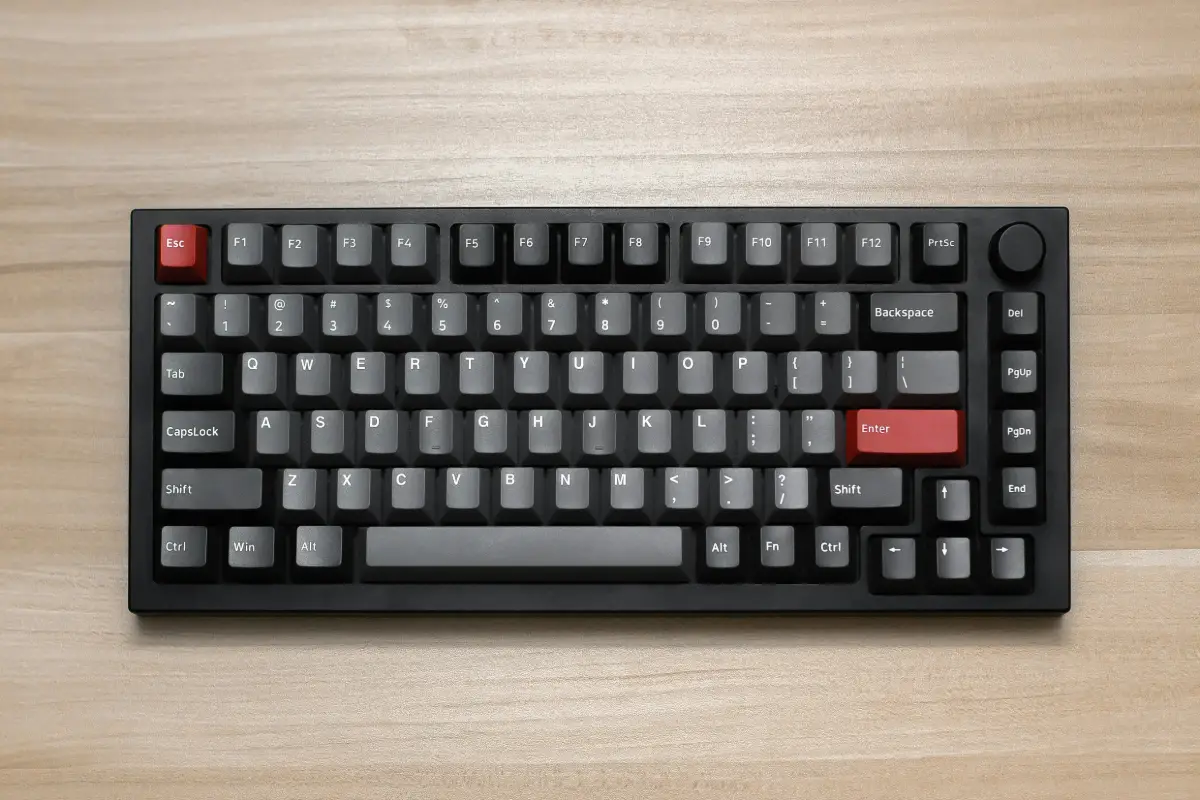
Selecting a perfect keyboard is a complex decision. There is a proper guide to it at the end of this post, in which we have explained it in very simple and easy-to-understand steps. The steps explain clearly how to select the best 56% Hall Effect keyboard that will perfectly fit on your desk. The 65% keyboard is not small, nor big enough. In fact, they have their own category. They still have arrow keys and a few extra keys, which makes them a good choice between a 60% board and a bulkier 75% or full-size one.
There are a number of companies offering 65% keyboards, but not all of them are equipped with Hall Effect technology. It is the latest technology that uses magnetic switches instead of traditional mechanical ones. The use of sensors makes it way more efficient and quick compared to keyboards based on old technology. Adjustable actuation, Rapid Trigger, and fast response times make them the number one reliable choice for gamers and daily users. Given the facts, let’s find out what the best 65% Hall Effect keyboards available are so you can select one today!
Top 7 Best 65% Hall Effect Keyboards
All seven keyboards in this group share three important traits. Each one uses real Hall Effect switches, not fake copies with clever ads. Every board lets you adjust how far down you need to press before a key sends a signal. The 65% layout appears on every choice here: expect your arrows, keep the number row, and say goodbye to the function line.
1. Razer Huntsman V3 HE Magnetic Mini 65%
Razer built its own magnetic switch for this compact star. The actuation distance may range from barely a touch up to the full press that goes deeper than most. Rapid Trigger sits at the heart, so keys respond as soon as your finger rises instead of waiting for a locked-in spot. The board might reach up to one of the highest signal rates found anywhere, probably good enough for serious competition.
Expect to pay more than for many rivals, possibly because of the Synapse software package above it all. The program changes how far keys travel, lets you swap every key’s action, and even use two actions on one press. Razer fans might benefit most, as Synapse gathers every setting under one roof. People new to Synapse could feel the program takes up more space and time than competitors, but the pure speed and smoothness of the magnetic switch almost never let anyone down.
Pros:
- Razer’s own Hall Effect switch
- True 8000Hz polling rate
- Built-in magnetic drift calibration
- Full Synapse software ecosystem
- Undercuts pricier Pro line
Cons:
- Wired connection only
- Plastic chassis despite the price
- Synapse feels heavy for newcomers
- Weak typing feel for non-gamers
- Built mainly for esports use
2. GMMK 3 HE 65%
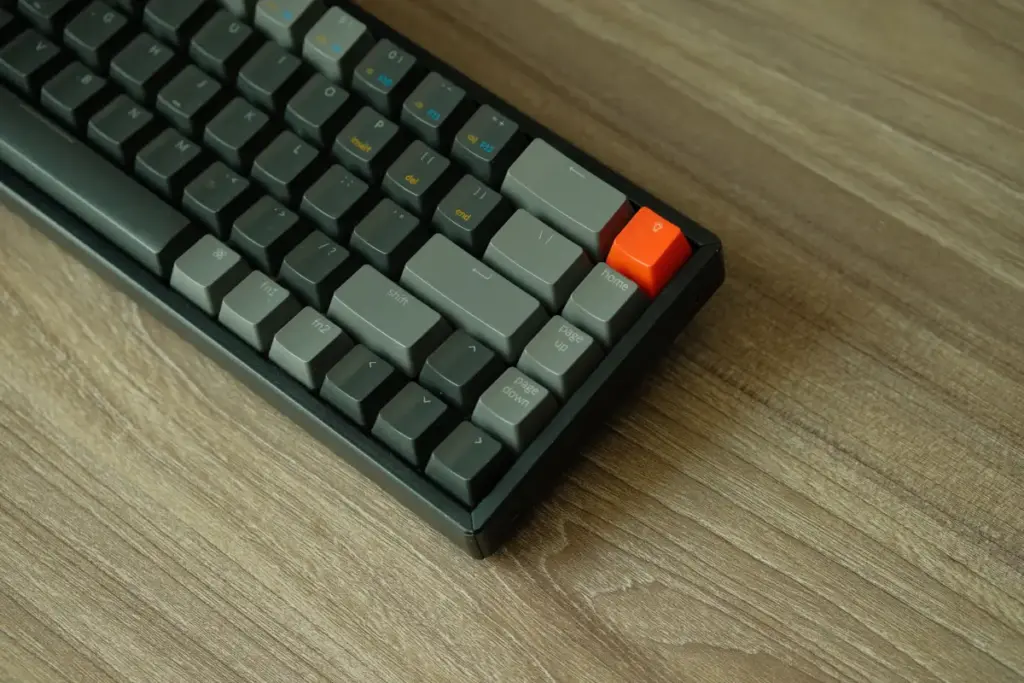
Glorious followed a new path for the GMMK 3 HE. The board’s main circuit accepts both Hall Effect and regular MX switches using simple pop-in holes, so you keep your options open. Rapid trigger works smoothly, and you can pick your favorite actuation spot across the usual range. The board with magnetic power sits higher in price than the regular version, not surprising with the extra technology lurking underneath.
Buyers get flexibility that most others cannot match. You could use magnetic switches for fast play, then pop in MX switches for quieter or heavier typing. The body feels strong in every version, and Glorious sells enough cases and top plates that you might treat this board like a kit instead of something fixed.
Pros:
- Dual HE and MX hotswap
- Three switch feels available
- Wide 0.1mm to 4.0mm range
- Rapid Trigger works smoothly
- Highly modular kit-like design
Cons:
- Expensive versus rival boards
- Plastic case at this price
- Configurator adds even more cost
- Feels under-specced for the money
- Pro version needed for aluminum
3. Endgame Gear KB65HE
The KB65HE appeared early in the Hall Effect crowd, and that early step gives the firmware a more finished feel. Key press depth can move from almost nothing up towards a much deeper press, and the key resets never stumble even if you type or play very quickly. For a keyboard that has survived a few seasons, the way you can fine-tune the switches still compares well to the latest arrivals. Price has slipped down since the first launch, so the KB65HE now might be called a smart budget pick instead of the top dog. People who want to learn the basics before spending anything might take a closer look here.
Many who tackle a new board and want to understand how Hall Effect keyboard switches work may return with sharper questions. The board often rewards that extra effort. Sound sometimes seems a bit empty compared to what gasket boards offer, but finger feedback still feels strong.
Pros:
- One of the earliest HE boards
- Full aluminum CNC construction
- Wide 0.1mm to 4mm range
- Consistent Rapid Trigger performance
- Lightweight, easy-to-use software
Cons:
- Pre-installed switches need lubing
- No wireless connectivity option
- No wrist rest included
- Early units had quality issues
- No screen or extra knobs
4. Akko MOD68 HE
Akko chose to build the MOD68 HE with a metal shell. The heavier feel against plastic competitors hits right away. Gasket mount softens every touch, giving a little spring that plastic trays seldom manage. Fast reactions come easily for gaming or careful typing. Not many magnetic keyboards bring ISO support, so the MOD68 HE gives hope to people outside America.
Most Hall Effect choices only offer ANSI, so ISO alone may win over many Europeans. The cost sits in the higher middle zone, which matches the metal build and gasket extras. Anyone who loves a quiet, cushioned touch over simple numbers probably finds good value here.
Pros:
- First aluminum 65% HE board
- Rare ISO layout support
- 0.005mm actuation precision
- Gasket mount softens keystrokes
- Tri-mode wired and wireless
Cons:
- Akko driver feels outdated
- Mode switching is unintuitive
- Hidden switch under Caps Lock
- Software UI lacks polish
- No mechanical switch support
5. DrunkDeer G65
The G65 tries to win over buyers watching their spending. DrunkDeer decided to keep the price down, and the polling rate shows that budget choice by capping it lower than the elite boards. For most players, the limit never hurts. A plastic shell keeps things affordable, so nobody should expect the solid weight of a metal deck.
What lands in your hands is a real magnetic switch board for a low price. Fast response features work fine, triggers adjust, and everything key stays simple and steady. People who just want to see if magnetic boards suit their style could probably not find a friendlier place to begin.
Pros:
- Very responsive Hall Effect switches
- No software installation needed
- Web-based browser configuration
- Strong value under $120
- Easy acoustic modding available
Cons:
- Plastic case feels cheap
- Some keys are odd sizes
- Reported failures months later
- Limited features versus rivals
- Janky SOCD implementation
6. NuPhy Halo65 HE
NuPhy shaped the Halo65 HE with a metal frame and added easy-swap magnetic switches, a pairing that stands out. One Key Dual Action lets one key handle two moves, with changes based on depth. This trick may make clever shortcuts possible. Fast polling keeps up with rivals, so looks do not cost you speed. Halo65 HE carries the NuPhy touch that runs through their whole family.
People who need more space might want to check out 75% Hall Effect keyboards before you decide to stick with the smaller 65% version. Overall feel comes across as high-end, switches change easily, and those who want depth can unlock it with the dual-action tool. Cost lands safely in the middle-to-upper field.
Pros:
- Aluminum frame, magnetic switches
- Hot-swappable switch compatibility
- One Key Dual Action feature
- Full 8000Hz polling rate
- Strong build for the price
Cons:
- Wired connection only
- Heavier than plastic competitors
- Newer, fewer long-term reviews
- No wireless or Bluetooth mode
- Limited third-party switch options
7. LUMINKEY Magger68 HE Professional
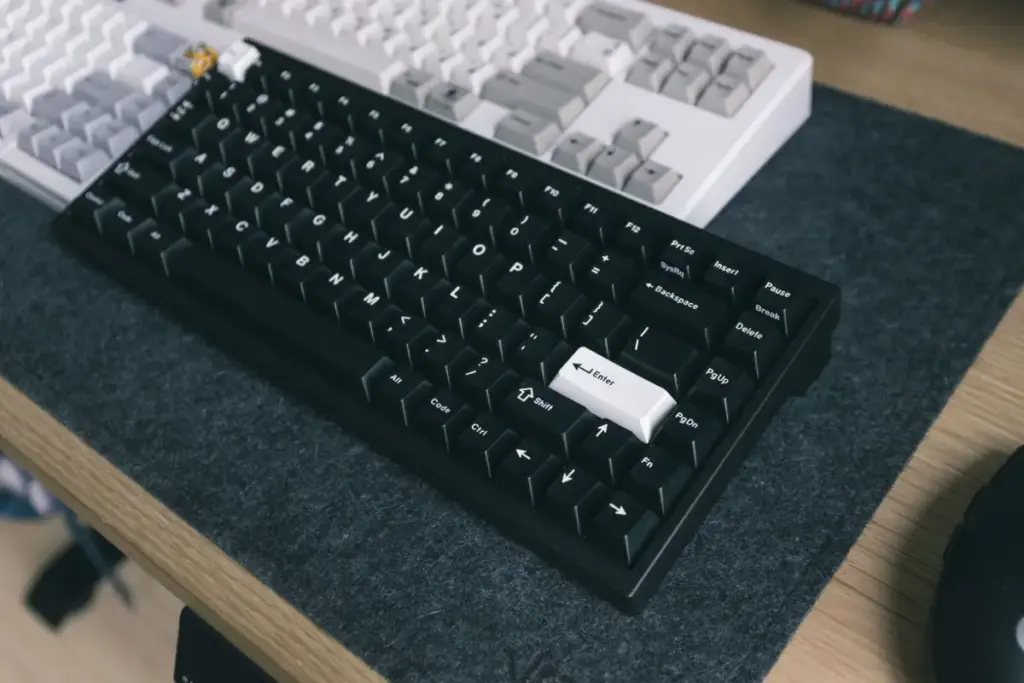
LUMINKEY finished the Magger68 HE Professional in aluminum, giving it the rigidity metal buyers expect. The magnetic switches deliver low latency, and the board handles rapid inputs without stumbling. SOCD support arrives too, resolving those tricky opposite-direction key conflicts that plague fast movement in some games.
Positioned in the mid-tier, the Magger68 HE Professional undercuts the flagships while keeping most of what matters. The metal chassis, the responsive switches, and the SOCD handling together punch above the asking price. Typists and players who want serious hardware without flagship spending should give this one a hard look. Nothing here screams compromise, which is high praise at the price.
Pros:
- Aluminum body, premium feel
- Gateron Jade Pro switches
- Low 0.125ms input latency
- SOCD and Rapid Trigger included
- Dual chip separates RGB load
Cons:
- Wired only, no wireless
- Software feels clunky, outdated
- Only one switch type offered
- No web-based driver yet
- Higher price than rivals
65% Hall Effect Keyboards at a Glance
Picking the right 65% Hall Effect board comes down to actuation range, polling rate, and how much you’re willing to spend for aluminum over plastic. The table below lines up all seven side by side so you can match the right one to your setup at a glance.
| Keyboard | Case Material | Actuation Range | Polling Rate | Connectivity | Best For |
| Razer Huntsman V3 HE Magnetic Mini 65% | Plastic with aluminum top plate | 0.1mm–4.0mm | 8,000Hz | Wired only | Competitive esports players |
| GMMK 3 HE 65% | Plastic case, aluminum plate | 0.1mm–4.0mm | 8,000Hz | Wired | Switch tinkerers who want both HE and MX |
| Endgame Gear KB65HE | Full aluminum | 0.1mm–4.0mm | 8,000Hz | Wired only | Budget-conscious first-timers |
| Akko MOD68 HE | CNC aluminum, gasket mount | 0.1mm–3.3mm, 0.005mm Rapid Trigger | 8,000Hz | Wired and wireless | ISO layout users outside the US |
| DrunkDeer G65 | Plastic | 0.2mm–3.3mm | 1,000Hz | Wired only | Entry-level buyers testing HE tech |
| NuPhy Halo65 HE | Aluminum frame | 0.1mm actuation point | 8,000Hz | Wired only | Users who want dual-action keys |
| LUMINKEY Magger68 HE Professional | Full aluminum | 0.1mm actuation point | 8,000Hz | Wired only | Mid-tier buyers wanting aluminum build |
Buying Guide
Choosing from these offers a real puzzle. Personal touch matters most here. Each keyboard uses the magnetic switch heart, but tiny changes might create big differences as you type or play. Eight key features usually separate one keyboard from another after size gets picked.
- Actuation range: Finer steps mean tighter control. A 0.1mm step feels precise, yet a 0.005mm step lets you fine-tune actuation to a degree most fingers cannot even sense, useful mostly for competitive edge-chasing.
- Polling rate: The jump from 1,000Hz to 8,000Hz shaves fractions of a millisecond off report time. Competitive players may notice the smoothness. Casual users probably will not.
- Case material: Aluminum adds weight, dampens sound, and resists flex. Plastic keeps costs and weight down but sounds hollower and bends slightly under pressure.
- Switch hotswap support: Some boards lock you into one switch type forever. Others let you pull switches and drop new ones in, keeping your options open as your taste shifts.
- Layout coverage: ANSI dominates the market, yet typists outside the US often need ISO. Only a handful of boards here bother offering ISO variants.
- Software and remapping: Control over actuation curves, macros, and per-key behavior varies wildly. Deeper software rewards tinkerers and frustrates people who just want defaults.
- Wired versus wireless: Cables cut latency to the bone. Wireless adds freedom but introduces battery worries and a small delay that competitive players might resent.
- Price versus feature set: Above roughly $150, returns start shrinking. You pay steeply for marginal gains, so weigh whether the extra polish earns its keep.
No feature tells the full story by itself. People chasing victory in battle games may look at polling speed and exact switch feel first. Those who spend sunlit hours writing, and battle only sometimes, probably listen for key chatter and care about how the case feels. Each person might weigh these things differently. Chasing numbers on paper rarely matches real daily use. Habits guide the search more than charts. Often, the right keyboard simply feels obvious once you think about your real life.
Conclusion
Let us revisit the truth from earlier. A 65% Hall Effect keyboard delivers both quick response and more elbow room. Older times forced buyers to accept fewer features with a smaller build. Now? The seven choices above cover everything, from simple plastic choices to fancier metal builds stuffed with clever keys. Fitting more into a tinier package, these gadgets have grown up.
You do not give up anything for a leaner desk space. It only needs to match the stats to the way you click, type, and play. Every option shares one scientific secret. Each key press draws from the same idea: whenever a magnetic field meets a moving charge at a right angle, a transverse voltage created by a magnetic field probably appears.

Haroon writes about productivity and sync tools. He covers how to connect Outlook and Google so your calendar, contacts, and tasks stay in one place.