
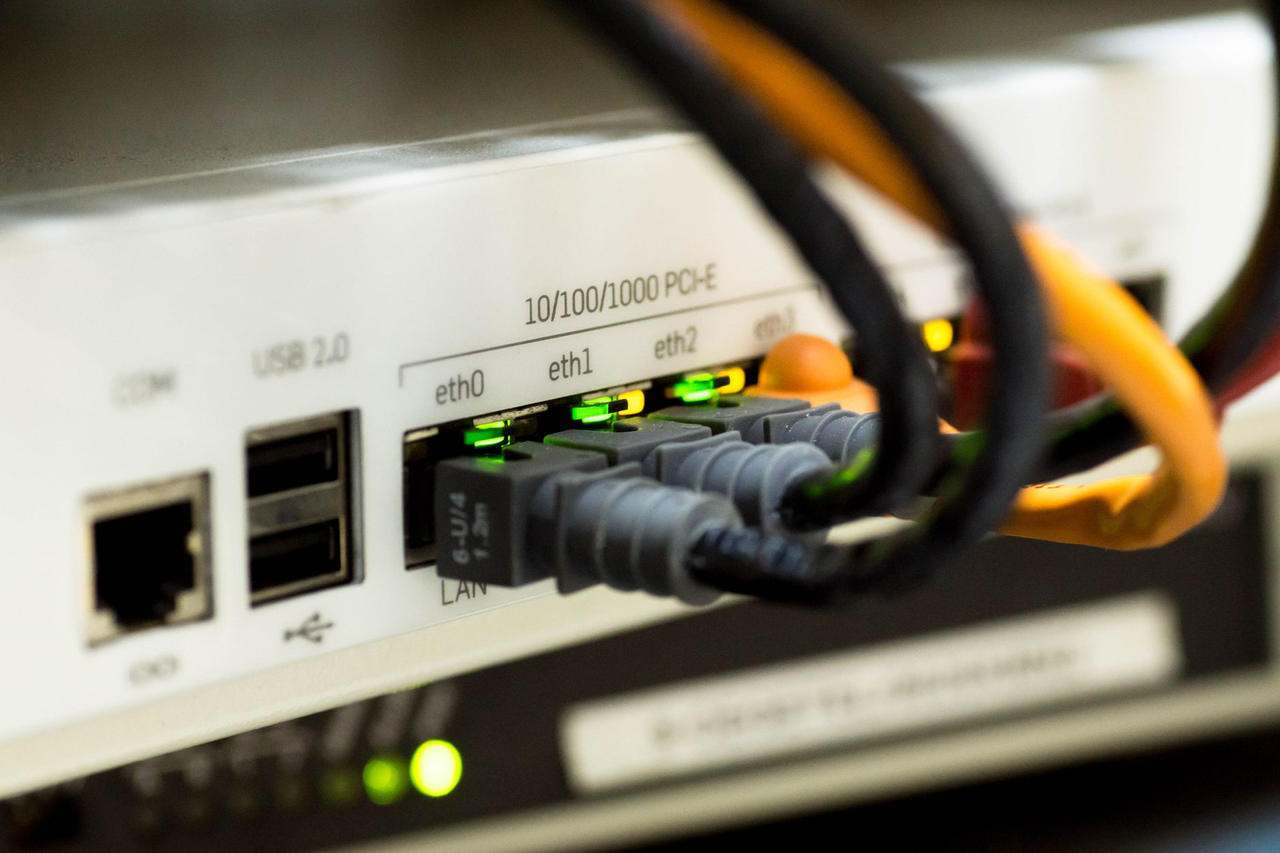
Deploying a new enterprise 5G Router in a corporate environment introduces both rapid connectivity and new security concerns. Imagine a scenario where a network administrator is tasked with integrating high-speed wireless access for remote branches while safeguarding sensitive data flows. Each configuration step impacts the organization’s exposure to threats, from unauthorized access to data interception. Addressing these risks requires a methodical approach to security settings, leveraging both built-in protections and advanced customization. Precise adjustments, such as disabling unused services and configuring encrypted tunnels, are not just best practices—they are necessary defenses for modern enterprise networks.
Enterprise 5G Router Baseline Security Hardening
Configuring the baseline security settings of any enterprise-grade wireless device is the first step to minimizing vulnerabilities. One concrete detail is disabling unnecessary services, such as remote administration protocols that are not in use, which reduces the available attack surface. Changing default administrator credentials and enforcing complex password requirements further strengthens device access controls. Documenting these initial settings aligns with internal IT security policies and helps maintain accountability during audits.
Some organizations choose to restrict local management interfaces to specific, trusted IP addresses. This measure prevents unauthorized devices on the network from accessing the router’s management console. Regularly reviewing and updating these IP whitelists ensures ongoing protection as staff and systems change. Guidance on enterprise 5G Router security configuration includes examples of baseline settings tailored for corporate environments.
When evaluating device models, administrators can compare the features and management capabilities of each 5G Router before selecting the best fit for their organization. This type of hardware offers a range of configurable protections that IT teams should leverage during deployment.
Advanced Firewall Policies and Access Control Lists
Enterprise network protection relies heavily on robust firewall rules and well-defined access control lists (ACLs). For example, many administrators implement deny-by-default policies, permitting only traffic that serves business-critical applications. This approach blocks unsolicited inbound connections while allowing approved services, such as secure web portals or remote monitoring tools.
Crafting effective ACLs involves specifying permitted source and destination addresses, ports, and protocols. Limiting the range of accessible network resources reduces the likelihood of lateral movement by an attacker should one section of the network be compromised. These granular controls must be documented and reviewed regularly to adapt to evolving organizational needs and external threats.
Best practices for firewall and access control management help administrators avoid common misconfigurations, such as overly broad rules or conflicting ACL entries that can disrupt legitimate business operations.
Securing Cellular VPNs and Encrypted Tunneling
For enterprises transmitting sensitive data over cellular networks, establishing encrypted tunnels is critical. Setting up a virtual private network (VPN) with strong encryption protocols—such as IPsec or OpenVPN—prevents interception of confidential information as it moves between remote branches and headquarters. Administrators should select encryption algorithms and key lengths that meet both performance and security requirements.
Configuring mutual authentication with digital certificates, rather than simple passwords, further strengthens VPN security. This ensures only authorized devices can establish secure connections, reducing the risk of credential theft. Monitoring VPN logs for unusual connection attempts helps detect and respond to potential breaches early.
Some devices support multiple VPN profiles, enabling segmentation by department or user group. Assigning distinct profiles with tailored access rights limits the impact of a compromised user account and supports compliance with data protection standards.
Firmware Management and Remote Monitoring Protocols
Ongoing security depends on keeping router firmware up to date. Regularly scheduled firmware reviews allow administrators to apply patches that address newly discovered vulnerabilities. Before any update, testing in a non-production environment can prevent unintended disruptions to network operations.
Enabling secure remote monitoring, such as using SNMPv3 (Simple Network Management Protocol version 3) with encryption and authentication, allows IT teams to track device status without exposing management traffic to eavesdropping. Disabling older, less secure monitoring protocols like SNMPv1 and SNMPv2c is a recommended step in the enterprise 5G Router security configuration process.
Automated alerting features help administrators respond promptly to suspicious activity or hardware faults, ensuring network resilience. Centralizing event logs supports incident investigations and regulatory compliance reviews.
Conclusion
Security for enterprise wireless hardware is never a “set and forget” process. Establish a routine schedule for reviewing configuration settings, applying firmware updates, and verifying access controls. A proactive, layered security approach—tailored to your organization’s risk profile and operational needs—provides the strongest defense against evolving network threats.