
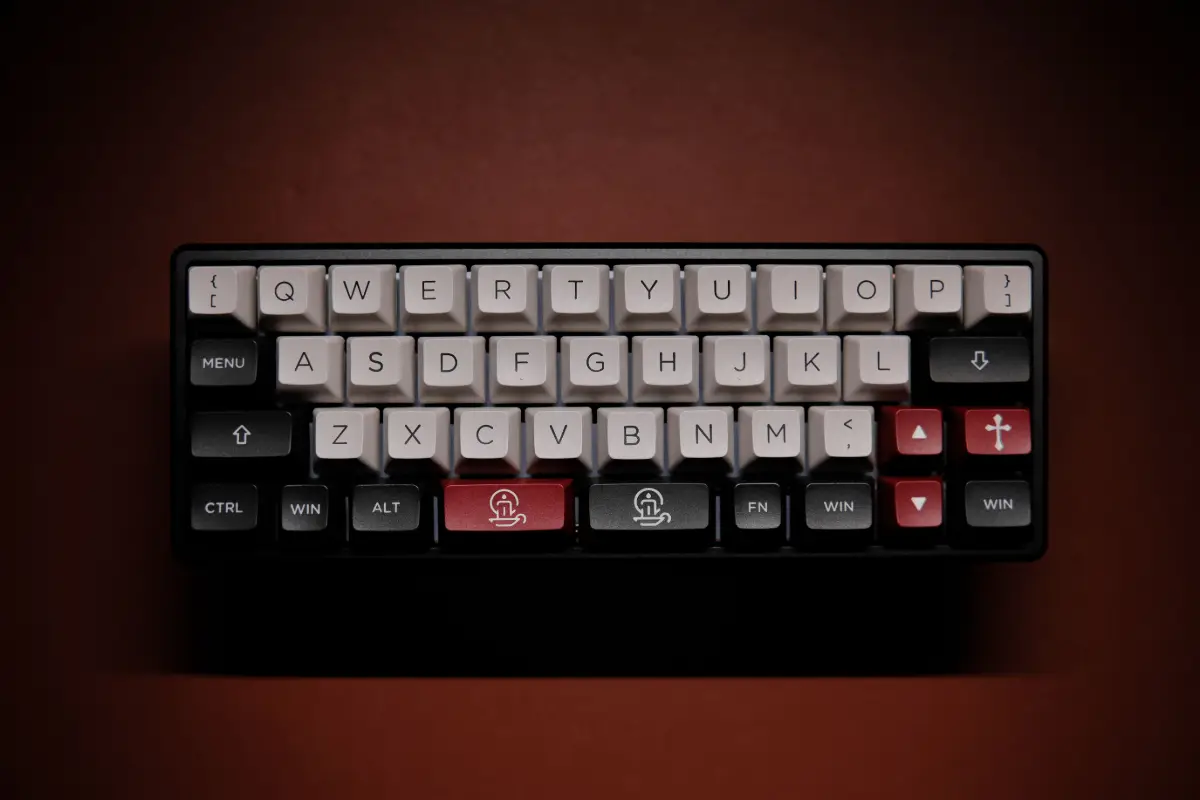
Selecting a good keyboard is like making a deal for the next five years. Some people use it for ten long years. The keyboard has not seen a major change for a long time; however, in recent years, the Hall Effect technology has changed it entirely. This technology is equally useful for gamers, typers, freelancers, and professionals who stick to their keyboards for long hours. In this Keychron K10 HE review, Gateron vs. Lime switches, you will learn about the real and first-hand experience of how they feel sitting on your desk.
The keyboards that use Hall Effect technology are based on a magnet and sensor instead of simple mechanical contact switches. With this advanced technology, you can actually set the sensitivity of your keyboard’s switches. It makes it useful especially for gamers and people fond of typing. The gaming and typing experience gets completely changed. Before making a purchase decision, you must know the difference between Gateron vs Lime switches.
Keychron K10 HE at a Glance
Before tossing up the switch drama, a quick glance at what Keychron packs into this keyboard. The company aimed for a wide feature set and kept the price from climbing too high. Some things probably grab your attention right away.
- Full-size 100% layout: complete number pad and all standard keys stay onboard for anyone who does real data entry.
- Tri-mode connectivity: Bluetooth, 2.4GHz wireless, and USB-C wired all live on one board.
- Plastic body construction: the housing keeps costs lower than Keychron’s aluminum siblings.
- Adjustable actuation: you set the press depth per key, one switch at a time.
Place no bets on a flashy look. Practicality leads the charge with the K10 HE. Magnetic keys usually demand a heavy metal shell or a steeper price, but Keychron ditches both for something much friendlier to the budget. Very few keyboards offer both cable-free use and a total number pad. That rare blend alone probably puts this model on more shopping lists.
Gateron Double-Rail vs Keychron Ultra-Fast Lime
Two switches live here. Both act as magnetic linears. Both open the same range, from a barely-there 0.2mm all the way to a long, deep 3.8mm press. No matter your choice, game sessions can fly by with feather-light sensitivity, or you might enjoy a more controlled feel for writing tasks. All the difference comes down to personality.
Gateron Double-Rail switches ride on a double-track build that holds every key straight. Smooth travel lives here. Softer sounds follow, and not much rattling sneaks in. You may notice the same feedback every time, no matter which key you press. People who chase quick reflexes and tight play probably lean toward Gaterons, because predictable movement may decide winners and losers.
Keychron Ultra-Fast Lime switches follow a softer style. POM plastic gives every press a lower, fuller sound that might call up the famous “thock” people love. Each keypress feels a bit gentler, less cold than the Gateron version. Long writing days or endless numbers probably match the Lime switch best, because lighter lands mean fingers do not tire as quickly.
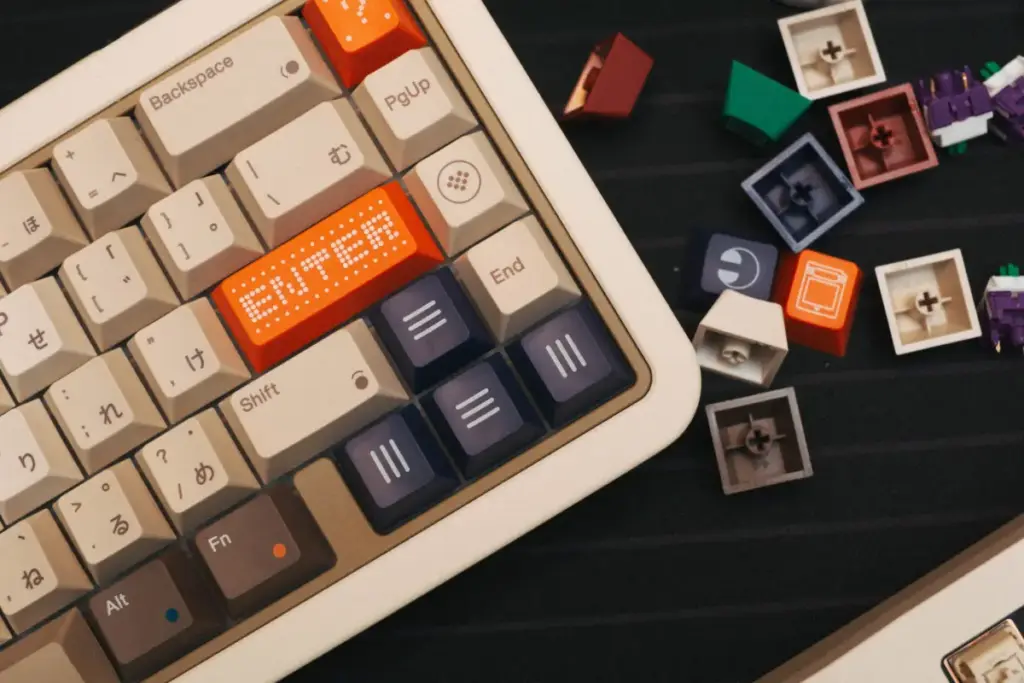
Other keyboards have mirrored this debate, as seen in our Hall Effect reviews around the web. There, two generations of switches split users in much the same way. Hands get the final word. If you want flawless steadiness and prefer nearly silent keys? Gateron speaks to you. If you love a softer, richer sound and a kind touch for long stretches? Lime probably wins your heart. No pick feels wrong. Both show real quality. our Corsair Hall Effect comparison
Comparison Table: Gateron Double-Rail vs Keychron Ultra-Fast Lime
Feel and sound usually come down to words, but hard facts might matter too. Scan the table below for a side-by-side look before you pick a team.
Build Quality and Connectivity
Plastic sometimes gets a rough reputation. Here, Keychron uses plastic that brings surprising weight and no cheapness. The keyboard plants itself firmly on the desk. Metal cases did not make the cut, but the balance between price tag, toughness, and heft feels well done. Connectivity stands out the most. Three different ways to link up cover three different user needs.
- Plastic body construction: keeps weight and cost down while still feeling sturdy under daily pounding.
- Bluetooth 5.2 and 2.4GHz wireless: casual work rides on Bluetooth, while the dongle handles low-latency gaming.
- USB-C wired mode: plug in when you want the fastest, most reliable link with zero doubt.
- Battery life: rated for long stretches per charge, and it outlasts the mid-size K8 HE.
No single part looks like Keychron aimed to save a penny. Wireless stays stable, never feeling unreliable. Plugging in solves any worries about lag, mainly when every millisecond counts. No aluminum here, but the K10 HE outperforms what people expect. Travelers and office workers probably both find their needs met.
Keychron Launcher Software
Configuring the K10 HE keyboard runs through the Launcher, which opens in any browser. You might set how far each key must move before it registers. Macro building works smoothly. Remapping stays easy and flexible. No heavy apps slow things down here. The setup feels almost weightless. Still, first-time users may find the menu layout a bit puzzling. Saving new profiles might take a second attempt. Even so, the Launcher may pull you in just for the deep control over every single key’s actuation. Gamers and writers probably will want different setups, and the Launcher gives you both.
Who Should Buy the Gateron Version, and Who Should Buy the Lime Version
A clear top choice does not exist between Gateron and Lime. The better fit depends almost completely on personal use and maybe even mood. Hands and ears make the pick, not math. You may need a nudge in one direction. Here comes a brief and honest breakdown to help.
- Competitive gamers: reach for Gateron Double-Rail, since proven consistency and steady travel reward fast reactions.
- Long typing sessions: pick Ultra-Fast Lime for the softer, quieter press that spares your fingers over hours.
- Mixed work and gaming use: either switch handles both jobs, so let sound and feel preference decide.
- Budget-conscious buyers upgrading later: remember that switches cannot move between versions after purchase, so choose carefully now.
Switch Choice: No Easy King
A clear top choice does not exist between Gateron and Lime. The better fit depends almost completely on personal use and maybe even mood. Hands and ears make the pick, not math. You may need a nudge in one direction. Here comes a brief and honest breakdown to help.
- Competitive gamers: reach for Gateron Double-Rail, since proven consistency and steady travel reward fast reactions.
- Long typing sessions: pick Ultra-Fast Lime for the softer, quieter press that spares your fingers over hours.
- Mixed work and gaming use: either switch handles both jobs, so let sound and feel preference decide.
- Budget-conscious buyers upgrading later: remember that switches cannot move between versions after purchase, so choose carefully now.
K10 HE: A Full Board Standout
The K10 HE stands out in our big list of full-size Hall Effect keyboards. It probably lands as the most wallet-friendly board with a number pad. Ask yourself one question first. Will you play games most of the time? Gateron probably suits you best. Maybe writing or spreadsheets take the lead. Lime then gets the nod. Use a mix of both? Your ear’s comfort will decide. The K10 HE keeps its quality no matter which switch you choose, so regret disappears from the equation. full-size Hall Effect keyboard roundup.
Frequently Asked Questions
Which Keychron K10 HE switch is better for gaming
Serious gaming needs a tool that never surprises. Gateron Double-Rail handles that job. Every key press feels steady and behaves just as you expect. Noise stays lower, so focus stays sharper. Fast play gains an edge.
Can you swap between Gateron and Lime switches later
Switches in the K10 HE never swap after you buy. Every version only works with its own switch type. Switching between Lime and Gateron on the same keyboard after the fact is not possible.
Is the Keychron K10 HE good for office typing
Numbers and words flow with ease on the K10 HE. The numpad smooths out any data work. Lime switches feel gentle and easy after long hours. Comfort probably matters most for writers and desk workers.
How long does the battery last on the K10 HE
Long stretches away from outlets will not force fast recharging. The K10 HE keeps going well beyond the life of Keychron’s smaller boards, probably even more so than the compact K8 HE.
Final Thoughts
Finding a big wireless Hall Effect board at a low price almost never happens. The K10 HE pulls it off. Light plastic never feels cheap once your hands get moving. Only the switch choice asks for debate. Either road takes you somewhere satisfying.
Lovers of fast action may want the Gateron. Consistency for every finger tap, nearly silent, always reliable. Typists likely feel drawn toward the Lime. Softer landings, warmer sound. Deep inside every K10 HE sits magnetic tech, a pillar of classic science. That is why the response feels stable year after year. Trust your hands. Choose the right switch. The K10 HE probably brings joy either way. A well-documented principle in classical physics suggests that good keyboards can enhance your productivity manyfold.

Haroon writes about productivity and sync tools. He covers how to connect Outlook and Google so your calendar, contacts, and tasks stay in one place.